 AfterInspect
Everything after the inspection.
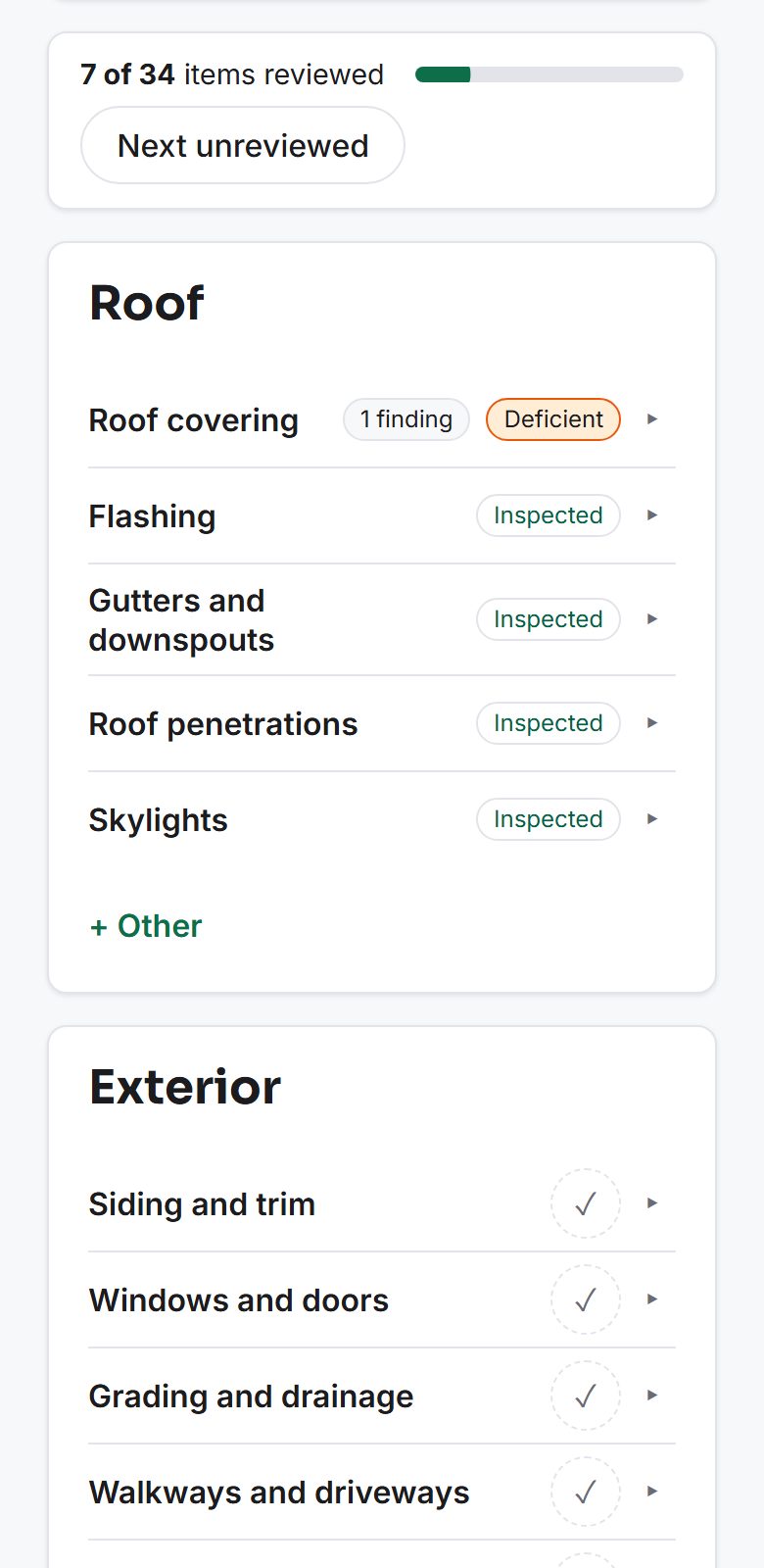
Dictate findings and capture photos on site. Send a branded PDF report before you leave the driveway.
- Dictate, don't type
- Works with no signal
- PDF in under a minute
14-day free trial. No card required.
Built for Canadian inspectors. Templates for the standards you inspect to:
- InterNACHI
- CAHPI
- ASHI
- BNQ 3009-500
- ASTTBC
Priced in Canadian dollars.
The report shouldn't take your evening.
You do the hard part on site. Then comes the second shift: typing up notes, sorting photos into a template, formatting a PDF at the kitchen table. AfterInspect turns that second shift into a quick review.
Dictate it, don't type it
Say the finding while you're looking at it and get a transcript straight back. Optional AI can turn it into a structured finding - severity, observation, recommendation.
Send the report before you leave the driveway
Your logo, colours and cover, with safety and major findings summarized up front and annotated photos throughout - rendered as a real PDF in under a minute.
See a sample reportKeep working when the signal drops
Photos, video, audio and findings are saved on your device first, then sync on their own once you're back online. A dead zone in the basement never loses an inspection.
AI drafts, you decide
Nothing AI-written reaches a report until you've reviewed and approved it. The raw transcript is always kept beside the draft.
How it works
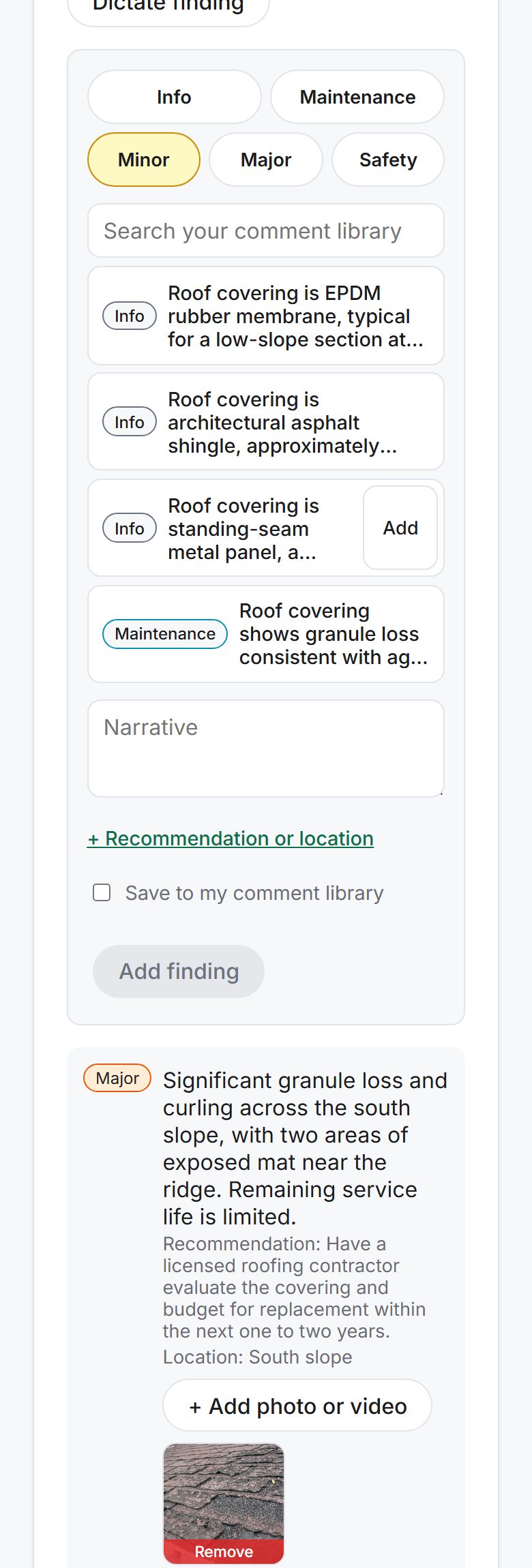
Walk the property
Rate each item, record findings, add photos and dictation.
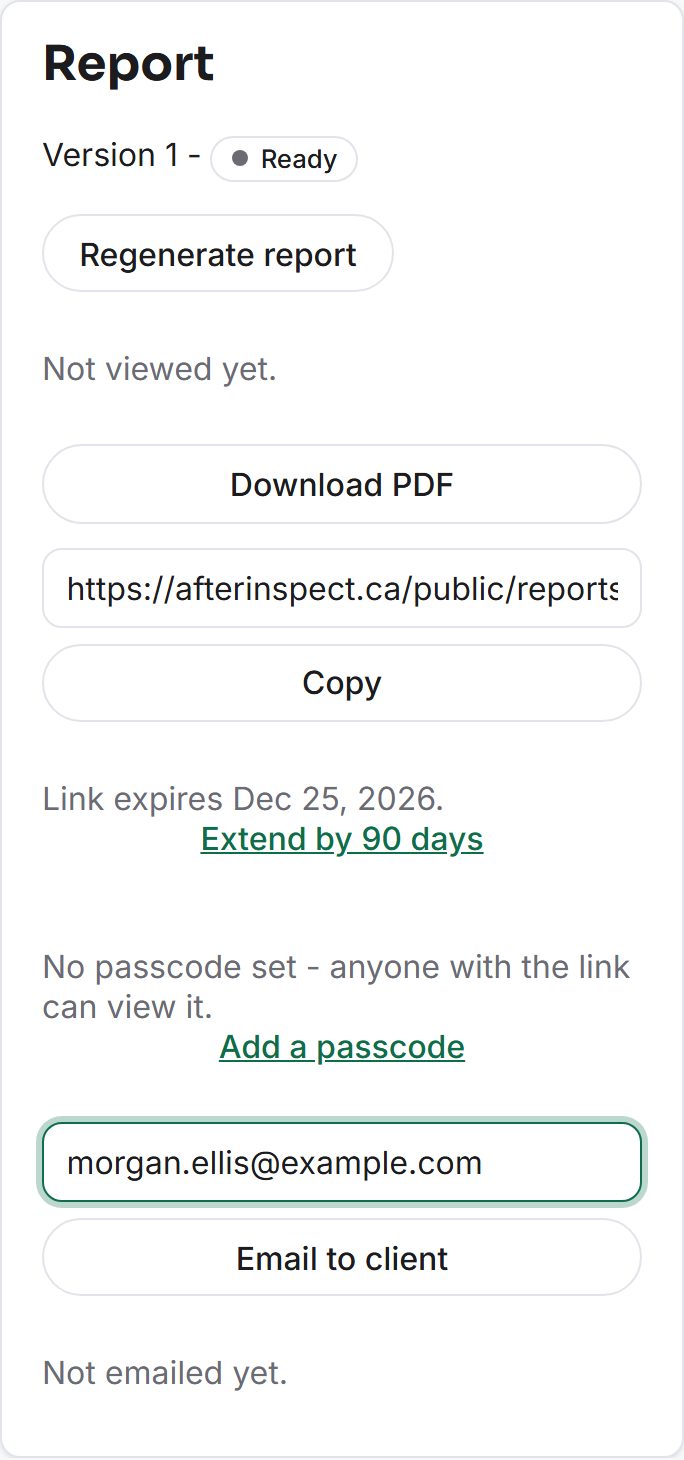
Generate the report
One click makes a branded PDF.
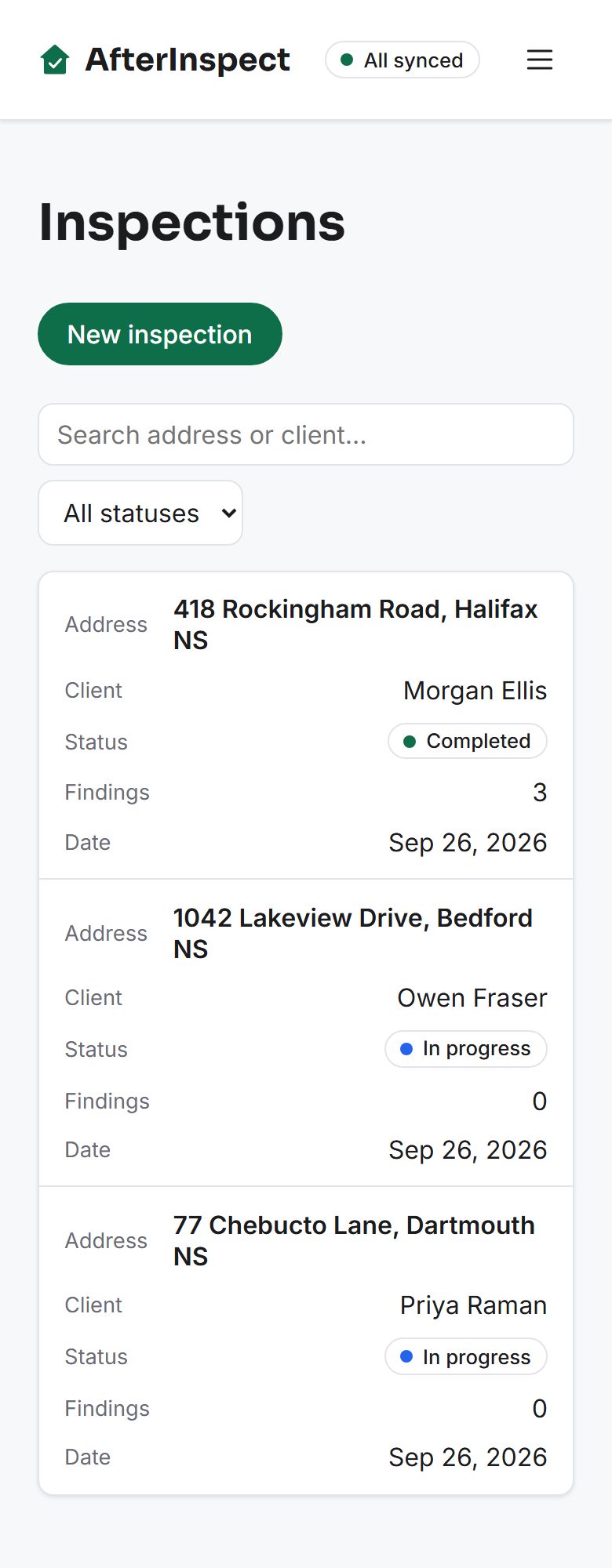
Publish and deliver
Send the client a link, or email it straight from the app.
Quick answers
Does it work with no signal?
Yes. Photos, video, dictation and findings are saved to your phone first and sync on their own when you are back online. Install it to your home screen from your browser - no app store needed.
What does it cost?
CA$49 a month for a solo inspector, or CA$39 per inspector a month for a team. No setup fees.
Can I use my own template?
Start from any of the five built-in templates, then add, rename or reorder sections and items to match how you inspect.
Do I need a card to try it?
No. The 14-day trial has every feature and starts as soon as you create an account.
Give it a try
14 days, full features, no card required until you're ready to pick a plan.
Start your free trial